QR Code Generator — How to Use It Online for Free
The QR Code Generator turns a link, text, Wi-Fi password, phone number, SMS or email into a QR code you can download as a PNG. Anyone who points a phone camera at it gets your content instantly — no typing, no spelling mistakes.
QR codes work because they remove friction: joining Wi-Fi without reading out a password, opening a menu without typing an address, following a page in two seconds. The generator supports the five everyday payloads. Dark-on-white codes with a plain design scan the most reliably — the colour option is there for branding, but keep the code dark and the background light.
How to use the QR Code Generator
- Choose the type — Link/Text, Wi-Fi, Phone, SMS or Email.
- Fill in the details (the link, or the Wi-Fi name and password, and so on).
- Pick a size and colour — the code preview updates live.
- Click “Download QR as PNG” and print it or share it.
A quick example
For your shop, create a Wi-Fi QR code with the network name and password, print the 512px PNG on a small card, and keep it at the counter — customers join the Wi-Fi themselves, and you stop spelling the password twenty times a day.
Tips for better results
- Always test the printed code with your own phone before printing many copies.
- Leave a quiet white border around the code when printing — scanners need it.
- For links, double-check the address spelling before generating; the code cannot fix a typo.
About QR codes and barcodes
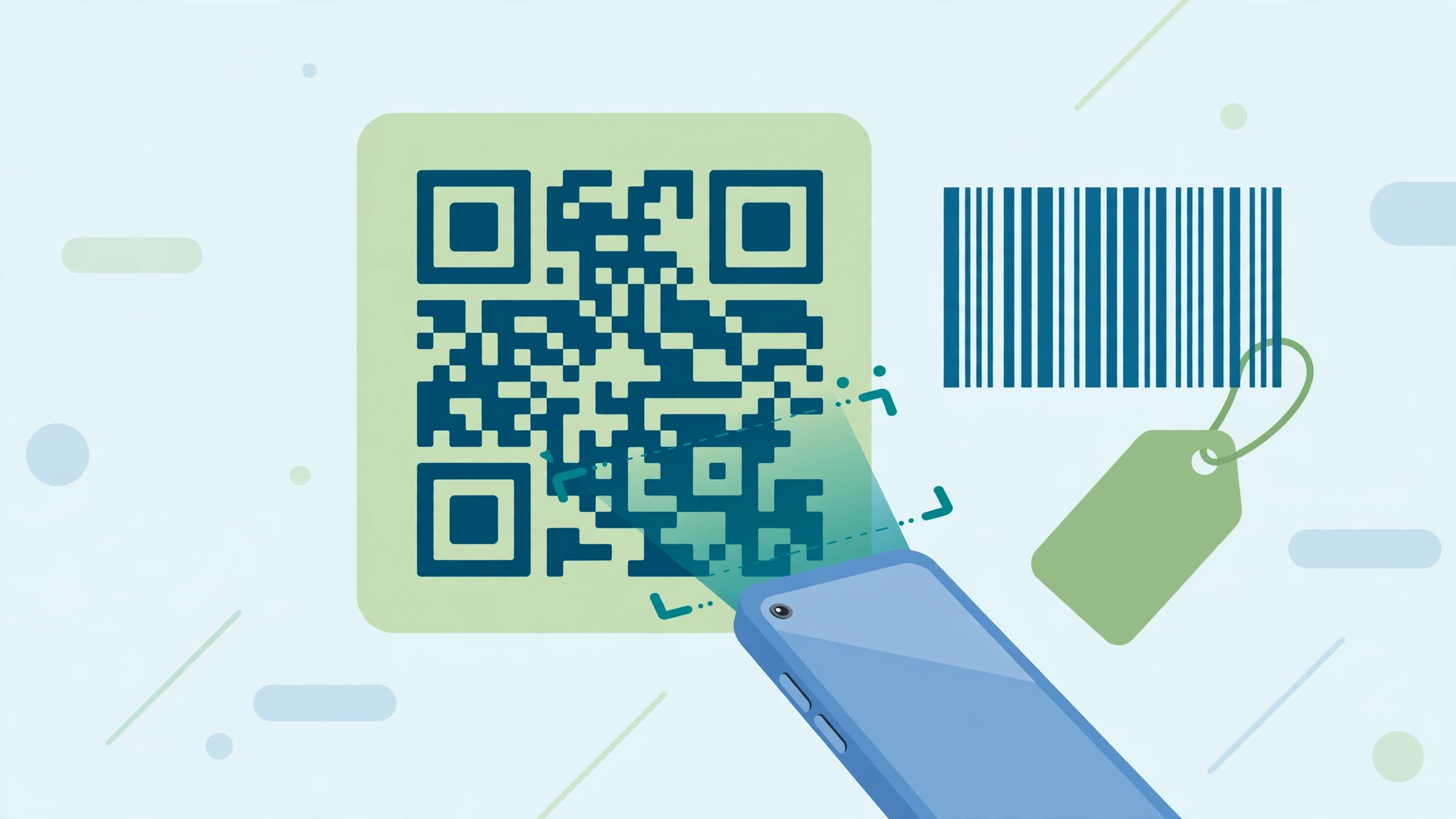
QR codes and barcodes are both just data drawn for machines — a QR code stores text in a two-dimensional pattern of squares, while a barcode stores a number or code in lines of varying width. Phones scan QR codes with the ordinary camera, which is why they suit links, Wi-Fi and payments meant for the public. Barcodes need a scanner app or a till scanner, and suit stock, products and files you manage yourself. Whichever you create, test before you trust: print or display one copy, scan it with your own phone, and confirm it opens or reads exactly what you intended. A code that almost scans is a code that fails for everyone else.
Common questions
What size should I download? 512px suits most uses — screens, small prints and stickers. Choose 1024px for posters and banners that will be printed large, and 256px only for tiny on-screen uses.
Can I change the link inside a QR code later? No — a printed QR code permanently holds the text you generated it with. If the destination may change, put a permanent page's address in the code (your profile or link page) and update that page instead.
Do I need to sign up or install anything? No. The QR Code Generator is completely free, needs no account and nothing to install — it runs in your browser, and anything you type stays on your device.
One tool rarely finishes the whole job. The natural companions to this one are covered in the QR Code Scanner guide and the Barcode Generator guide — between them, most code tasks can be handled end to end in the browser, with no installs and no accounts.