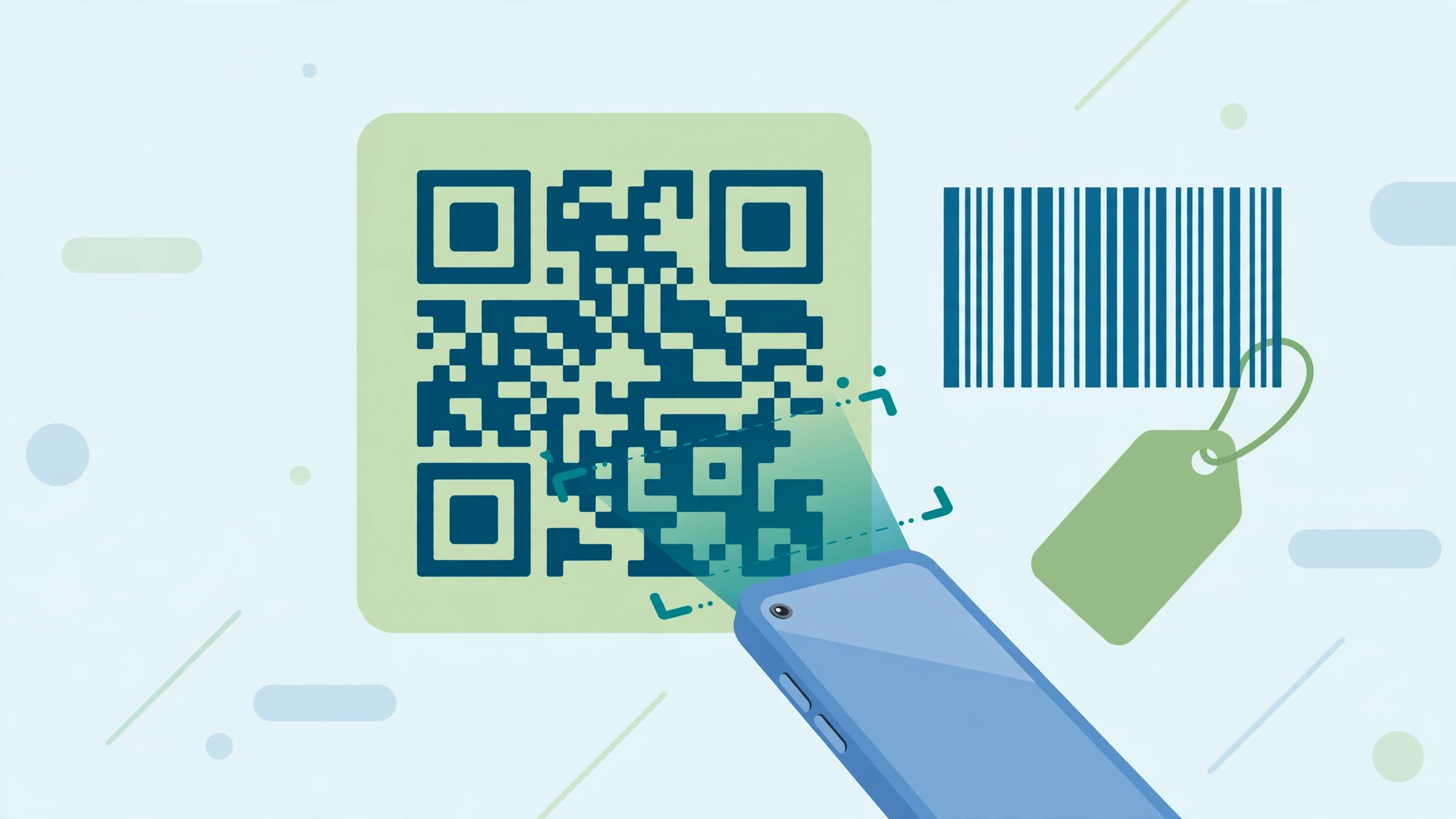
Barcode Generator — How to Use It Online for Free
The Barcode Generator creates a proper barcode from a number or code — CODE128 for general use, plus EAN-13, UPC and CODE39 — ready to download as a PNG for product labels, stock registers and bills.
A barcode is just a number drawn as bars that machines can read. For a small shop or warehouse, CODE128 labels on shelves and boxes make stock-taking fast with any scanner app. Retail barcodes (EAN/UPC) belong to the GS1 numbering system — generating a random EAN for a product you sell publicly can collide with another product's real number, so keep EAN for allotted numbers only.
How to use the Barcode Generator
- Type the number or code the barcode should carry.
- Choose the format — CODE128, EAN-13, UPC or CODE39.
- Check the preview; the bars and the printed digits update as you type.
- Download the barcode as a PNG and print it or place it on your label.
A quick example
You keep 40 spare-parts boxes in a storeroom. Give each a code like SP-001, generate CODE128 barcodes, print them as stickers, and stick one on each box — stock checks become a quick scan instead of a notebook hunt.
Tips for better results
- Print barcodes black on white with a clear margin — coloured or shiny labels scan poorly.
- Test-print one label and scan it with a phone before printing a full sheet.
- Keep a written list matching each code to its product; the barcode only carries the number.
About QR codes and barcodes
QR codes and barcodes are both just data drawn for machines — a QR code stores text in a two-dimensional pattern of squares, while a barcode stores a number or code in lines of varying width. Phones scan QR codes with the ordinary camera, which is why they suit links, Wi-Fi and payments meant for the public. Barcodes need a scanner app or a till scanner, and suit stock, products and files you manage yourself. Whichever you create, test before you trust: print or display one copy, scan it with your own phone, and confirm it opens or reads exactly what you intended. A code that almost scans is a code that fails for everyone else.
Common questions
Which format should I pick? CODE128 accepts letters and numbers and suits labels you scan yourself — stock, files, assets. EAN-13 and UPC are retail product formats and need digits of an exact length (EAN-13: 12–13 digits); use them only with officially allotted product numbers.
Why does it reject my EAN number? EAN-13 and UPC have strict rules — digits only, a fixed length, and a valid check digit. If your number is a shop's own code rather than an official product code, CODE128 is the right choice and accepts almost anything.
Do I need to sign up or install anything? No. The Barcode Generator is completely free, needs no account and nothing to install — it runs in your browser, and anything you type stays on your device.
One tool rarely finishes the whole job. The natural companions to this one are covered in the QR Code Generator guide and the QR Code Scanner guide — between them, most code tasks can be handled end to end in the browser, with no installs and no accounts.